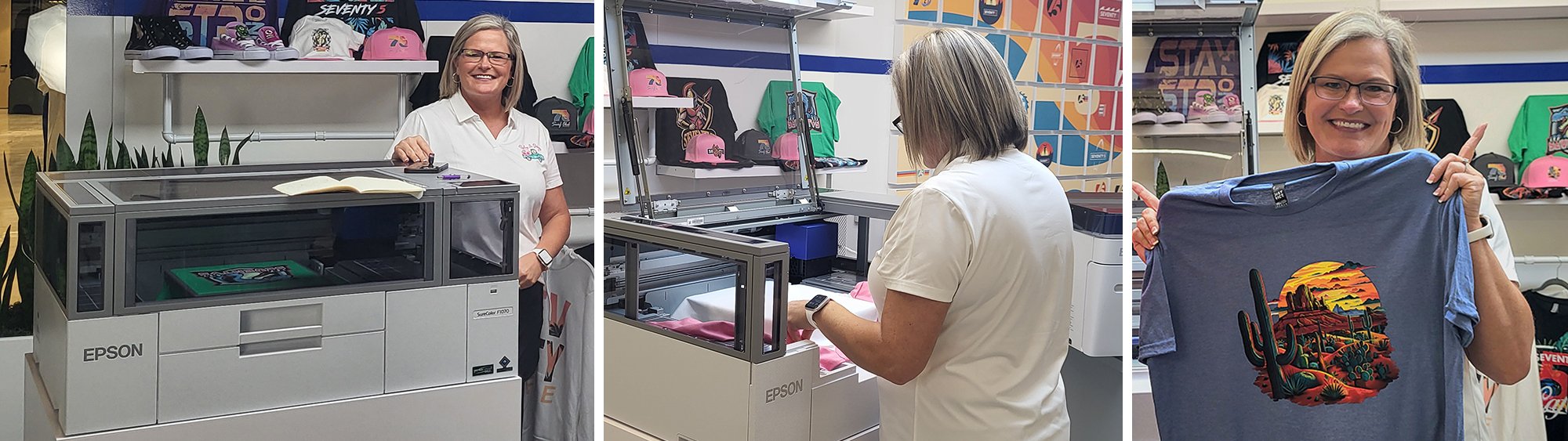
Epson SureColor F1070 Customer Checklist & Training

All training starts at 9:30am MST

Here’s what you need to know and do BEFORE Training:

✔ Confirm everything you ordered from Equipment Zone arrived

✔ Confirm you have a level table

✔ Confirm you have a professional heat press

✔ Confirm you have silicon sheets

✔ Confirm you have DTF film and powder if you plan to print DTF transfers

✔ Confirm you have received pretreated shirts

✔ Download Epson F1070 manual

✔ Watch this video and follow these directions from Epson to unbox and set up your printer. Unboxing the SureColor® F1070 DTG | A Step-by-Step Tutorial:
https://youtu.be/h_em04N9ayE

✔ Download current Garment Creator version 2 software from the Epson website: https://epson.com/Support/Printers/Single-Function-Inkjet-Printers/SureColor-Series/Epson-SureColor-F1070-Standard-Edition/s/SPT_SCF1070SE

✔ Update all print drivers and make sure you have the latest version of firmware: https://epson.com/Support/Printers/Single-Function-Inkjet-Printers/SureColor-Series/Epson-SureColor-F1070-Standard-Edition/s/SPT_SCF1070SE

✔ Follow the directions from the Epson website to ink up your printer

✔ Plan for up to 4+ hours of uninterrupted time for your training

✔ We encourage you to experiment with your printer before training

✔ Please request to join our Epson F1070 DTG & DTF User Group on Facebook here:
https://www.facebook.com/groups/epsonf1070owners

Here's what you will learn DURING Training:

✔ How to follow the on-screen prompts from your F1070 for start up procedure

✔ How to complete a nozzle check and look for breaks in the lines

✔ How to finish a head cleaning and head alignment procedure

✔ The startup and shut down procedures

✔ The daily, weekly, and monthly maintenance routines

✔ How to print from the USB printer cable, network and directly from external USB drive

✔ A complete overview of Garment Creator 2 software settings

✔ How to open, import & save and export files in Garment Creator 2

✔ How to use Garment Creator 2 print modes

✔ How to set up and use the Garment Creator 2 cost estimator

✔ The recommended graphics programs and the best file formats to use for printing

✔ How to properly cure your garments.

✔ How to properly set correct heat pressing temperature, pressures and times

✔ Detailed explanations about the pretreatment process

✔ Practice printing on supplied black t-shirts

✔ An overview of the DTF transfer process

Print out the checklist HERE

AFTER Training:

Watch for and please complete the post training survey which will be sent to you via email.

NEED Tech Support?

The F1070 training class is taught by Kim Johnson, owner of Paisley Jo Designs. Kim is not an employee of Equipment Zone and cannot provide tech support. ALL technical support must be provided by Equipment Zone. If you need tech support, fill out a tech support ticket online https://www.equipmentzone.com/tech-support/ or call 201-905-1000.